Preview translation
The preview translation function makes it possible to check for errors before the translation is sent.
-
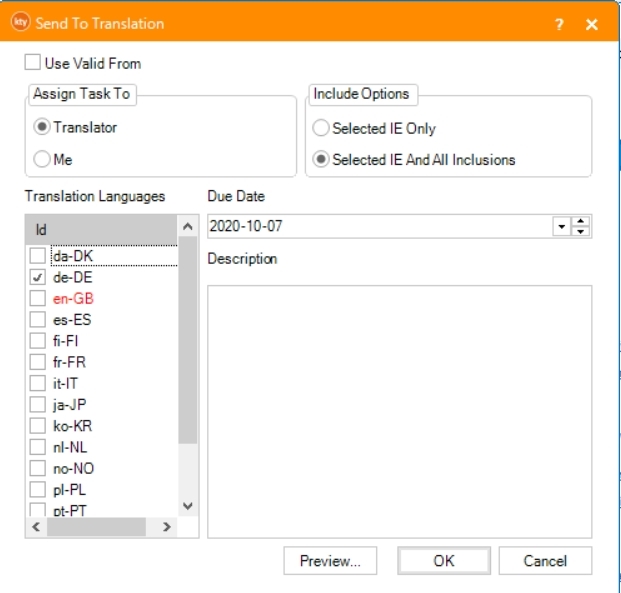
Select translation language(s).
-
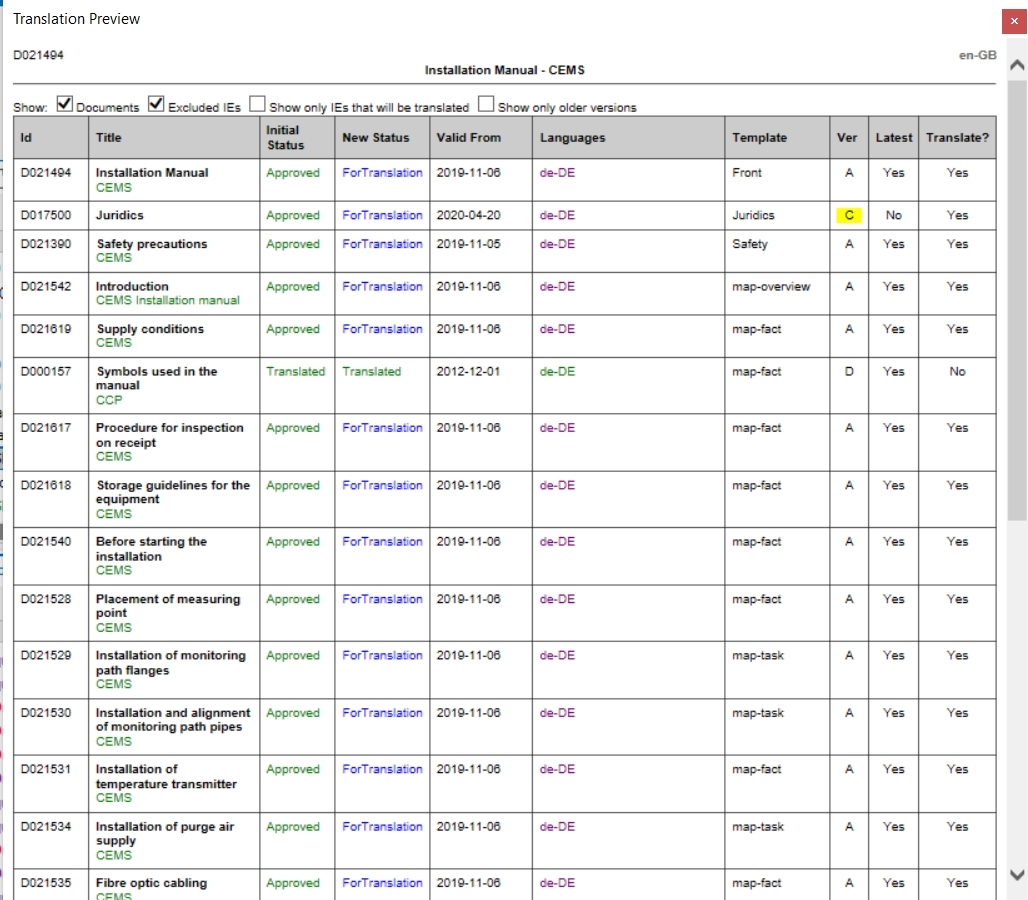
Click Preview and check:
-
The version of each IE sent for translation.
If the version number is colored yellow, a later version is available but will not be sent for translation.
-
The translation language(s) for each IE.
Purple = Will be translated
Blue = Translation in progress
Green = Translated
 note
noteIt's possible to export the preview to excel but the list in excel will not display colors.
In this case, refer to columns Latest and Translate?.
-
Related articles